Customer Profile
Every customer screened through TTM has a Customer Profile — the same profile screen used across Shufti's products, reachable from the Customers list, from a customer search, or directly from an alert's Customer Profile button. Alongside its general Overview, Verifications, and Additional Information tabs, it carries a Transaction Monitoring tab built specifically for TTM.
Transaction Monitoring Tab
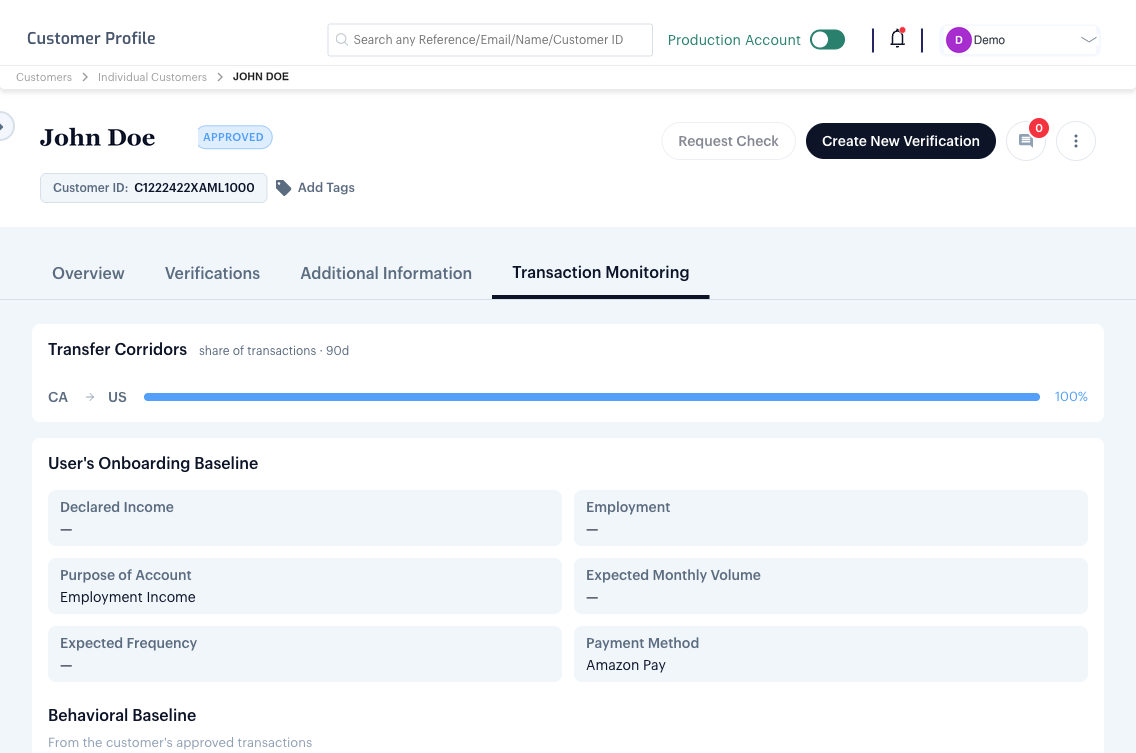
- Transfer Corridors — the customer's transaction volume broken down by sender-to-beneficiary country pair, over the last 90 days.
- User's Onboarding Baseline — what the customer declared at onboarding: income, employment, purpose of account, expected monthly volume, expected frequency, and payment method.
- Behavioural Baseline — built from the customer's own approved transactions: average transaction amount, average transactions per week, most-used payment method and device, top corridor, typical hour-of-day, and average new beneficiaries per month. This baseline needs a minimum history before it's considered reliable — until the customer has at least 30 days of observation and 10 approved transactions, it's shown as not yet established.
- Financial Profile — the same declared figures compared against actual behaviour, including an income-to-transfer ratio and volume-vs-declared comparison.
- Screening Status — the customer's current sanctions, PEP, adverse media, HIO, and RCA results, with the timestamp of the last screening run. The customer and the beneficiary are screened on every TTM account; screening a transaction's other involved parties is enabled per account.
Risk Signals
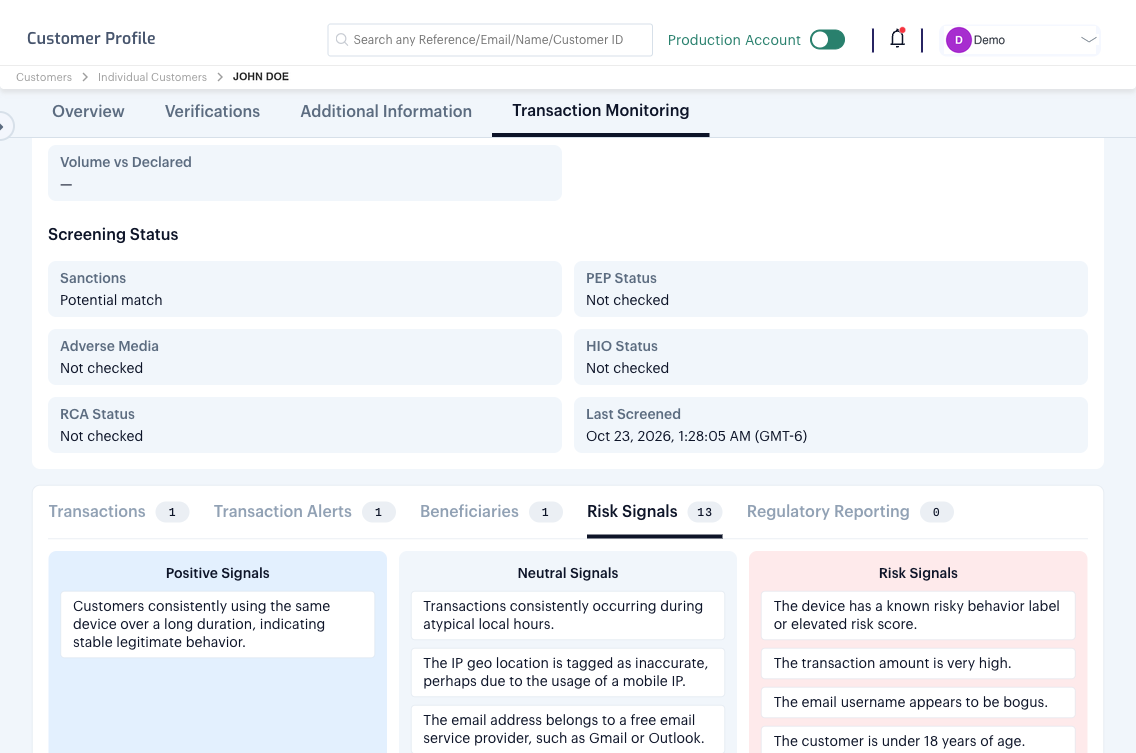
Below the baseline, five sub-tabs cover the customer's history in detail: Transactions, Transaction Alerts, Beneficiaries, Risk Signals, and Regulatory Reporting (every report filed naming this customer). Risk Signals are the same three-way classification used on an individual alert — see How It Works? → Risk Signals — shown here across the customer's full history rather than one transaction.
See KYT Rule Builder → Lists for Attribute Action Lists, and How It Works? → Regulatory Reporting for the reporting workflow this customer's data feeds into.